

The best terminal for
building with agents
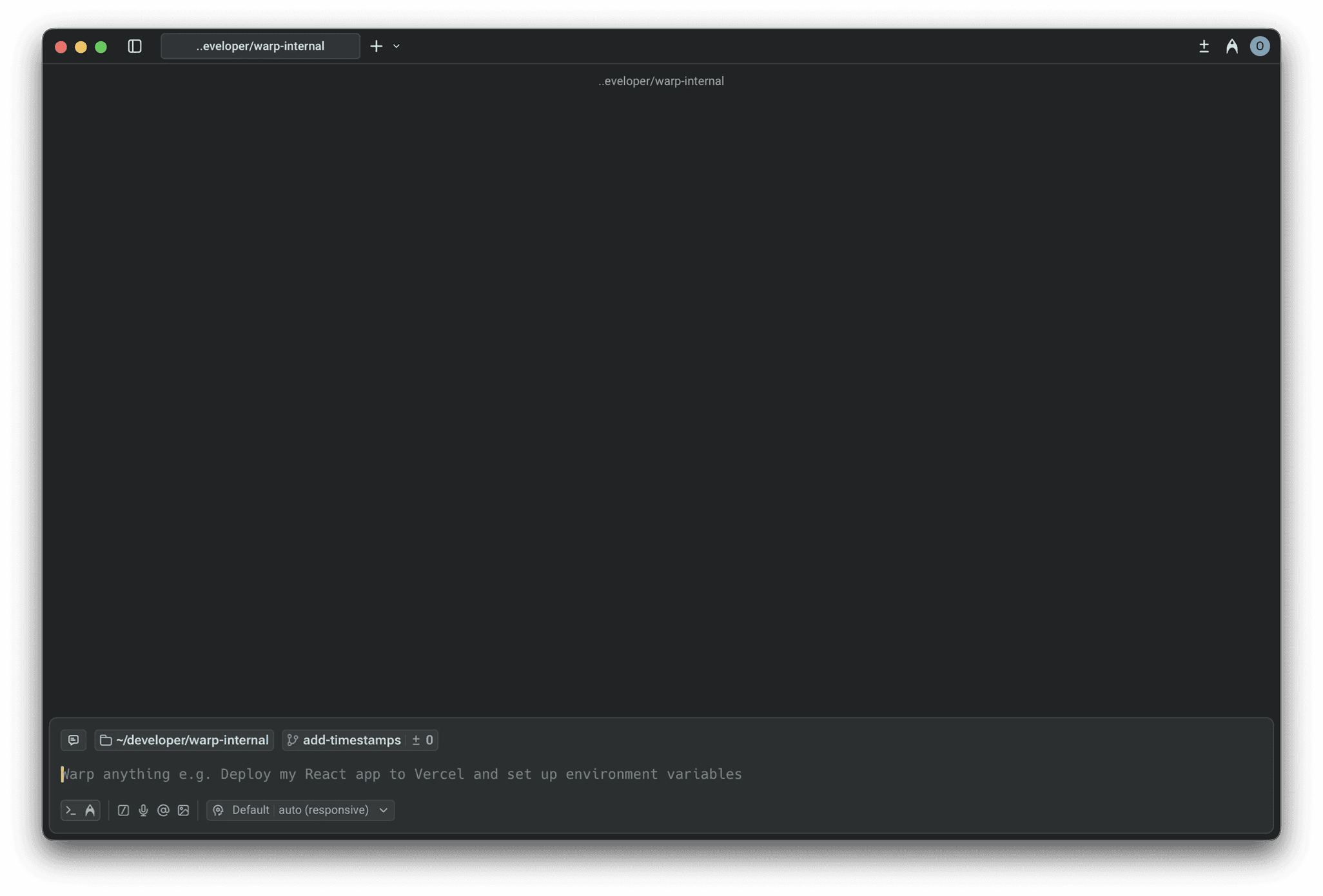
Run a team of agents — from Warp's SOTA agent to Claude Code, Codex, and Gemini CLI — all from the terminal
Trusted by over half a million engineers at leading companies




A new way to build
An agentic development
environment
Unlock the power of the terminal, steer agents with fine-grained control, and accomplish more of your workflow from a single app.
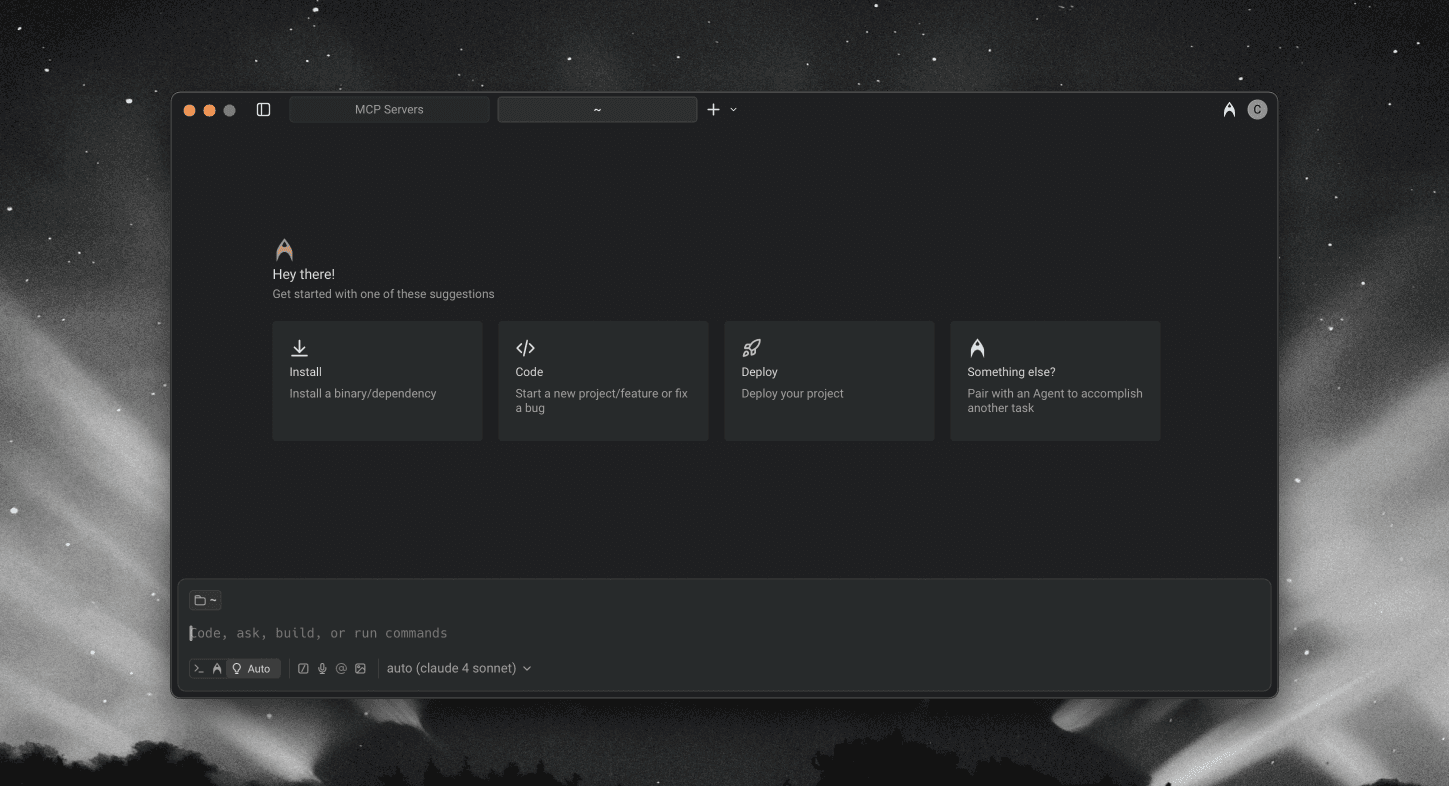

State of the art agent, Oz
Leading models and full terminal use
across the software development lifecycle
Terminal-Bench
#1
SWE-bench Verified
#2
Rankings as of Nov 11, 2025
Multi-model by default
Instant access to the latest models from OpenAI, Anthropic, and Google. Our mixed-model approach outperforms single-model setups, keeping you working with the best model on the market.
Optimized for multi-repo changes
Oz agents can make complex, multi-repo changes. Ask agents to make cross-repo changes like client/server contracts or updating internal documentation.
Highly capable: Full Terminal Use and Computer Use
Oz agents have Full Terminal Use, enabling them to run interactive terminal commands and Computer Use, enabling them to verify changes.
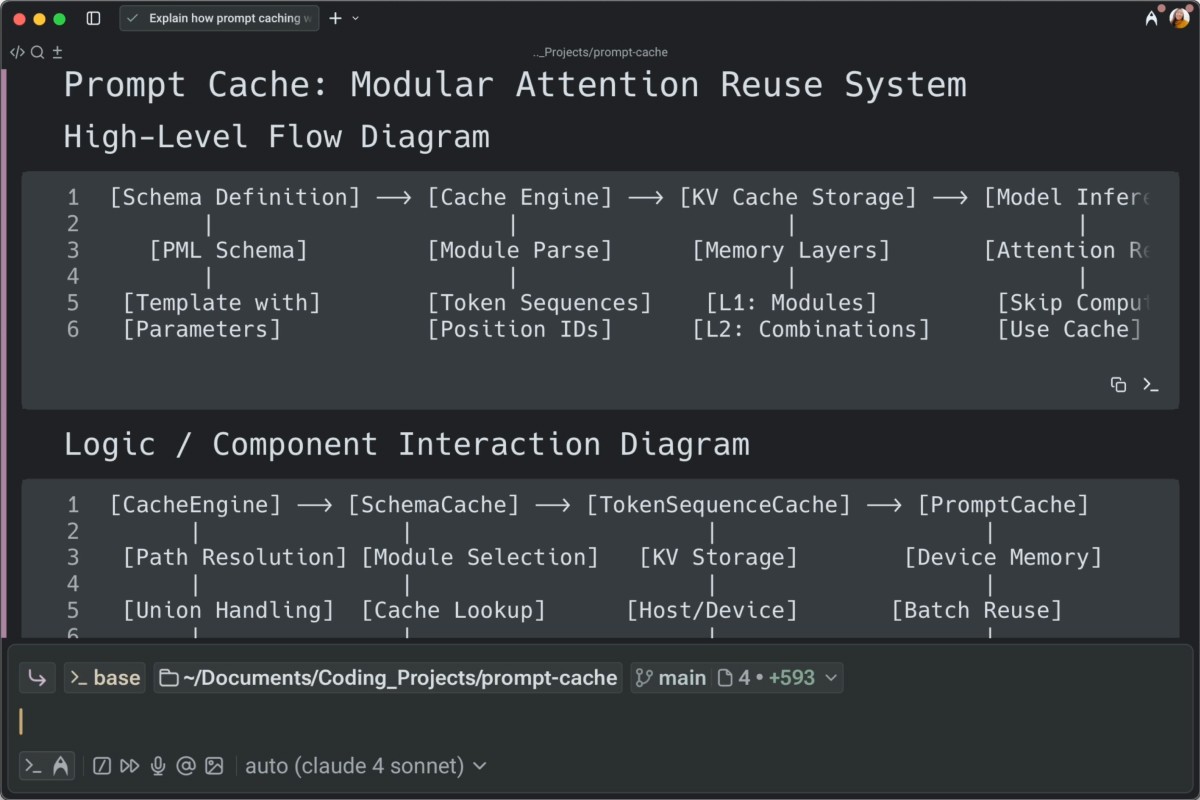

Prompt to shippable feature
The editor features you need
to work with agents
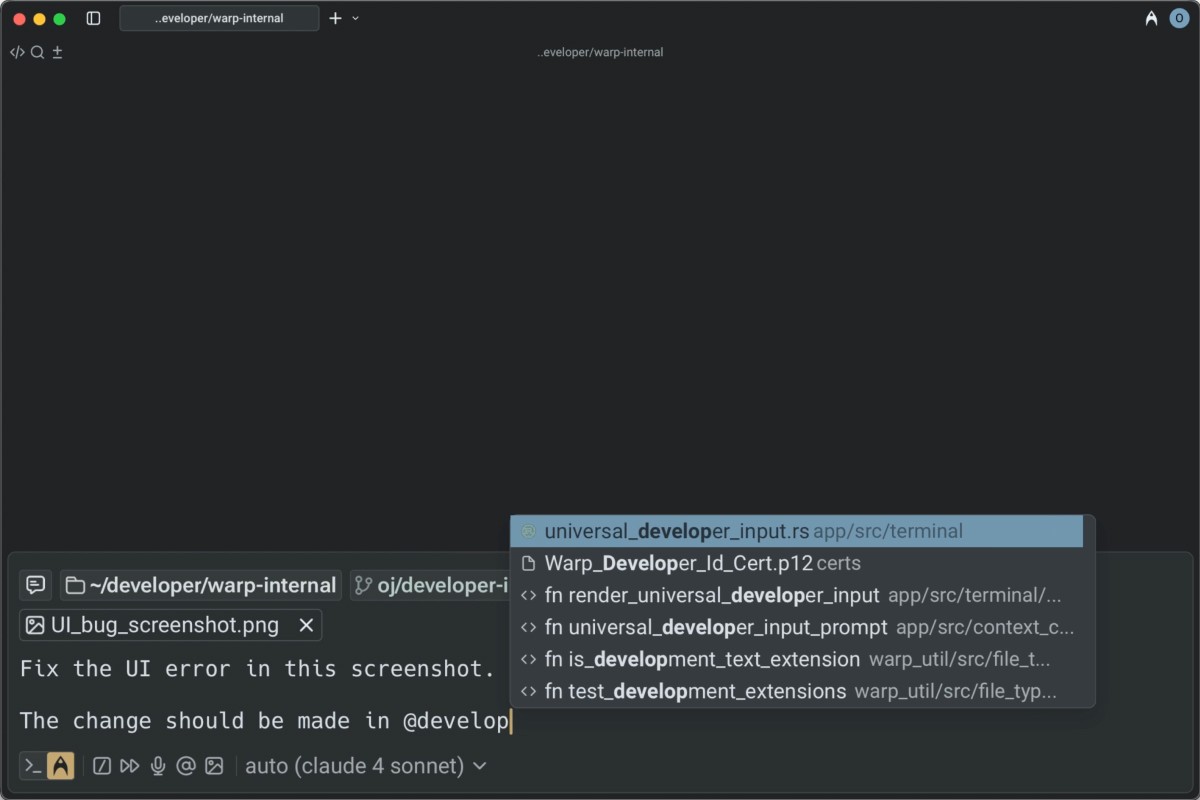
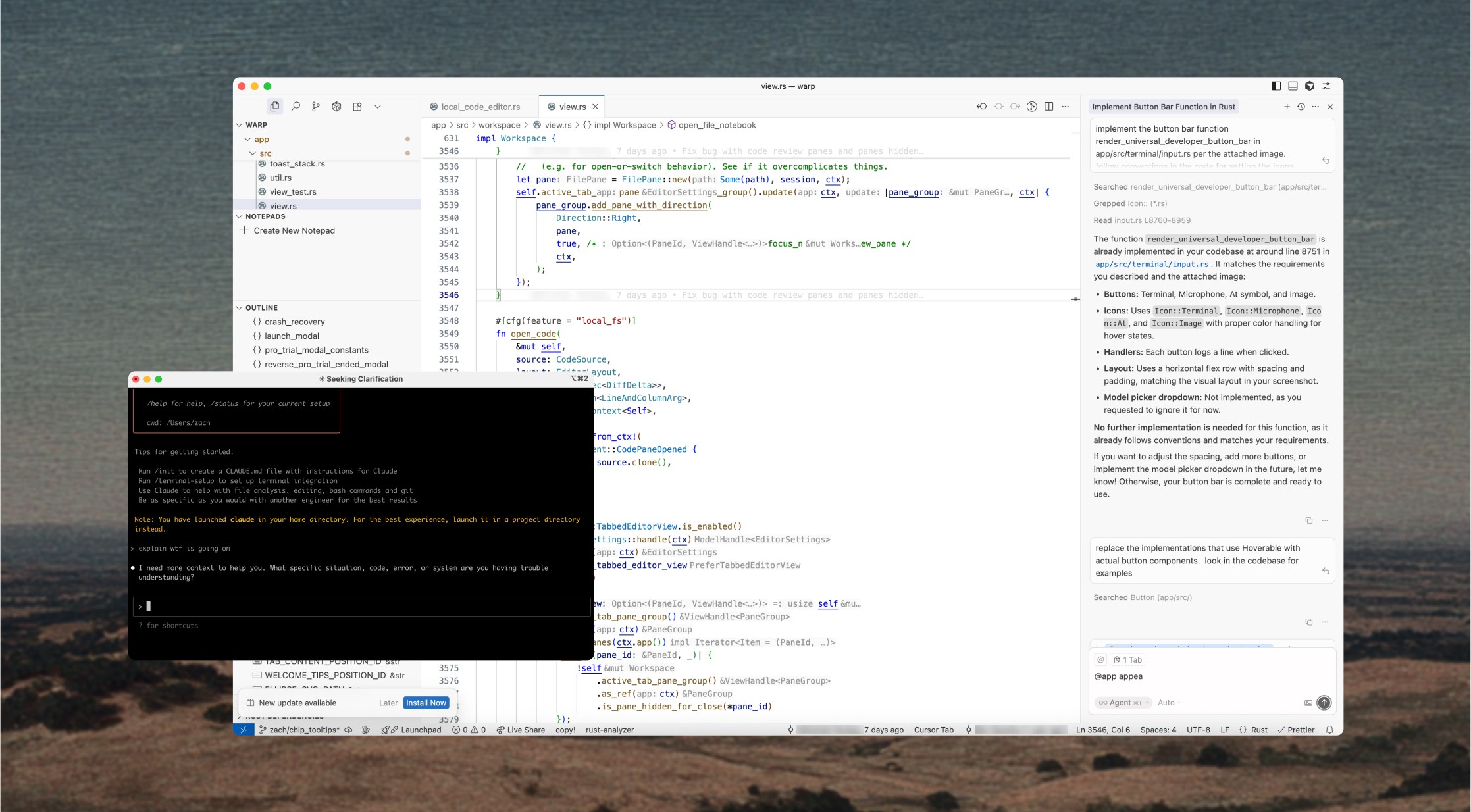
Prompt agents with rich context
Warp makes it easy to write good prompts. Reference files and images in your prompts and even use voice transcription from Wispr Flow.
Edit agent output
Universal Input lets you add rich context to your prompts: use '@' to search files, upload images, or attach URLs. Warp will index all attached assets to inform responses.
Review and re-prompt
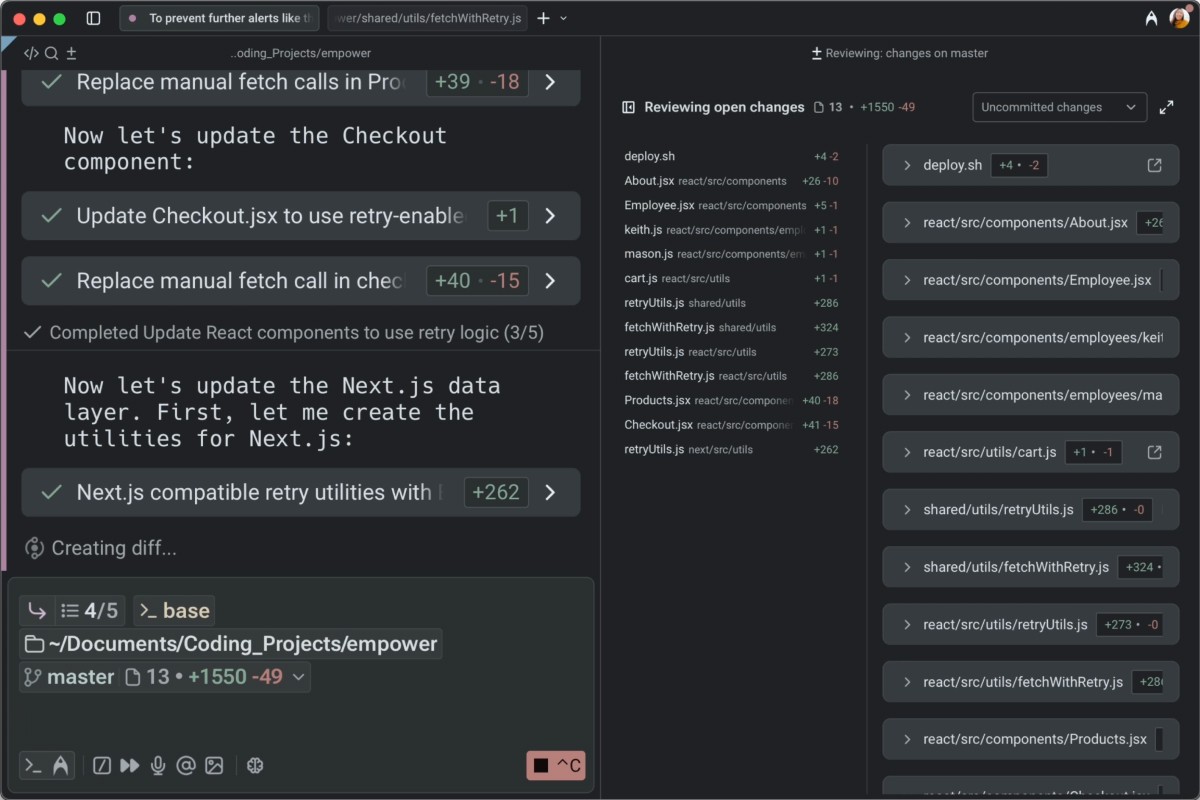
Review changes in context, accept or reject diffs, and re-prompt agents until the output matches your expectations.

Full development lifecycle
Complete tasks across the
software lifecycle, without leaving
Warp
Build features
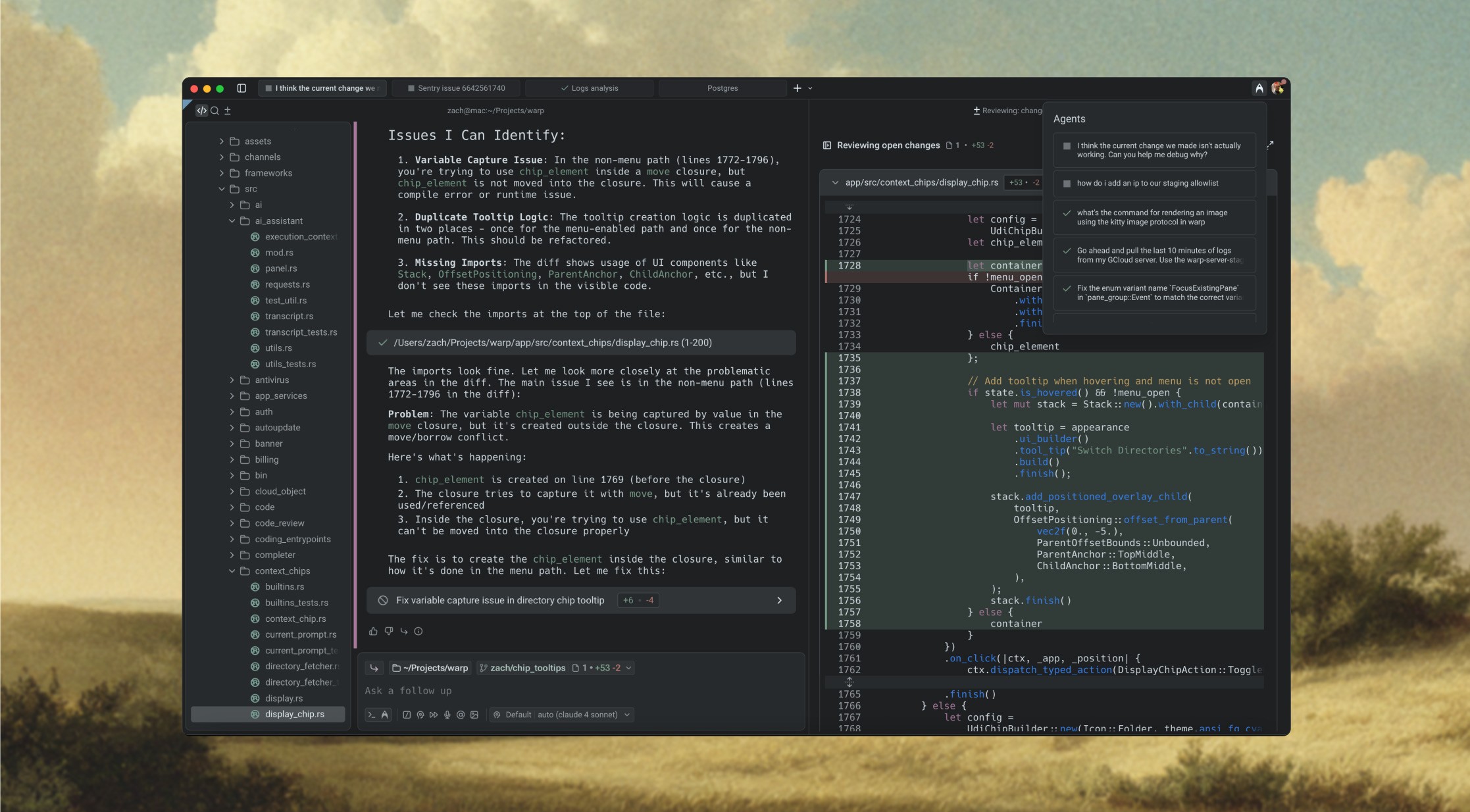
Agentic workflows for understanding your codebase, writing code, and debugging
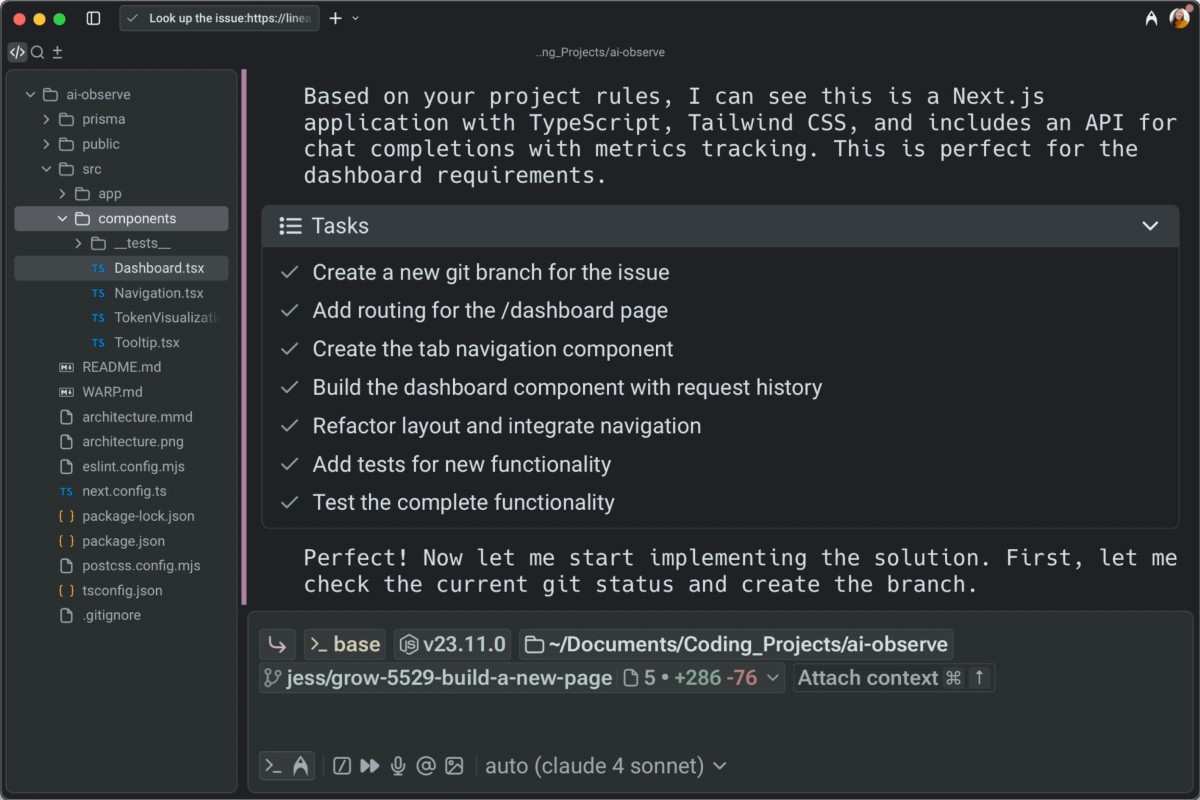
Understand your codebase
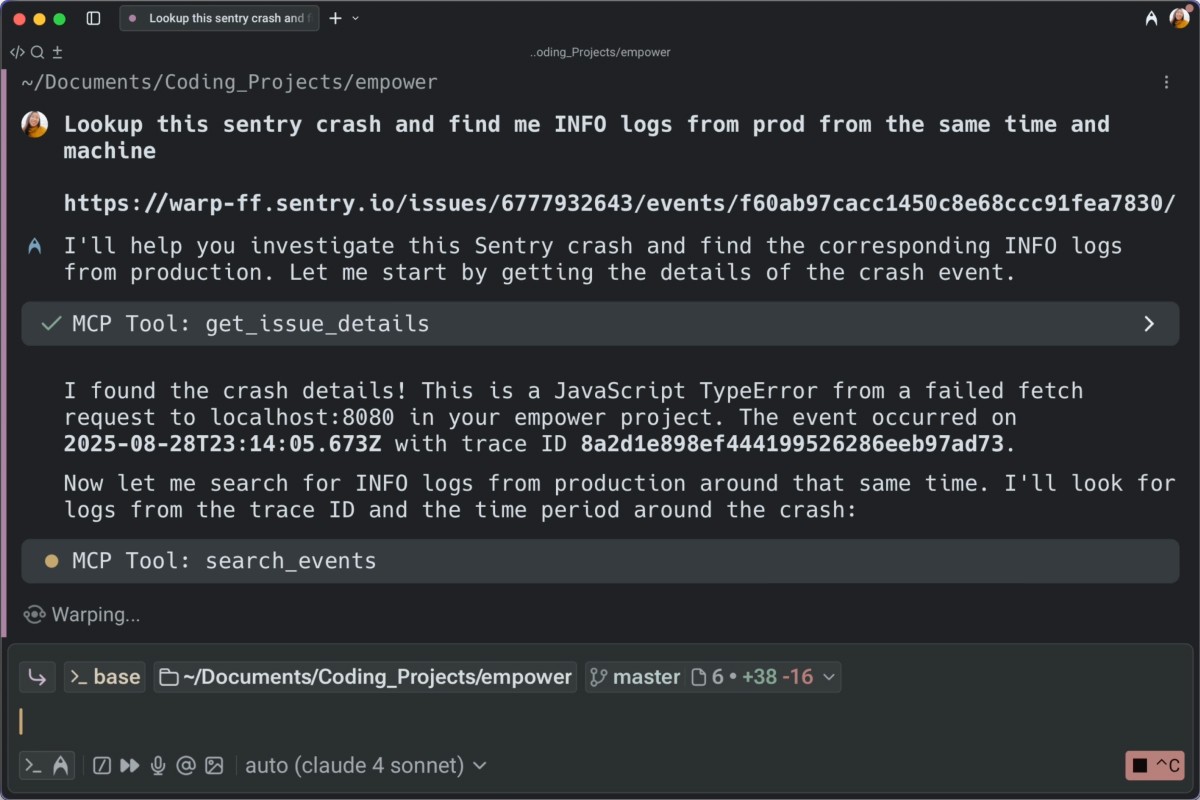
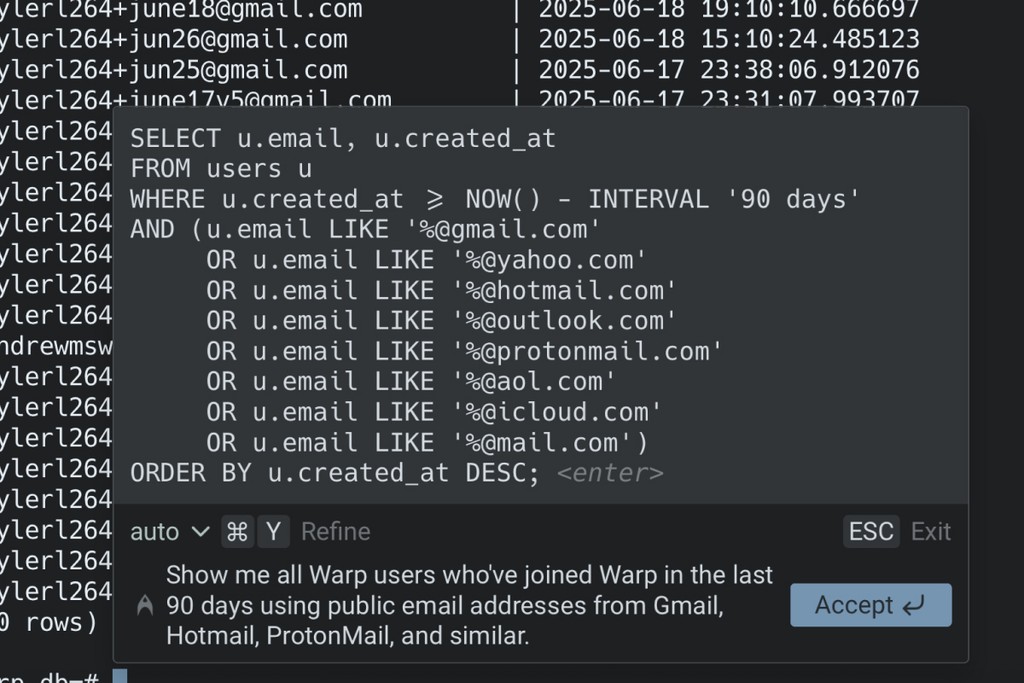
Use Warp to summarize user logs, debug Sentry errors, and even generate SQL queries in your REPLs
DevOps workflows
Warp works with any CLI tool to bring agent support to version control, CI/CD, and deployment workflows
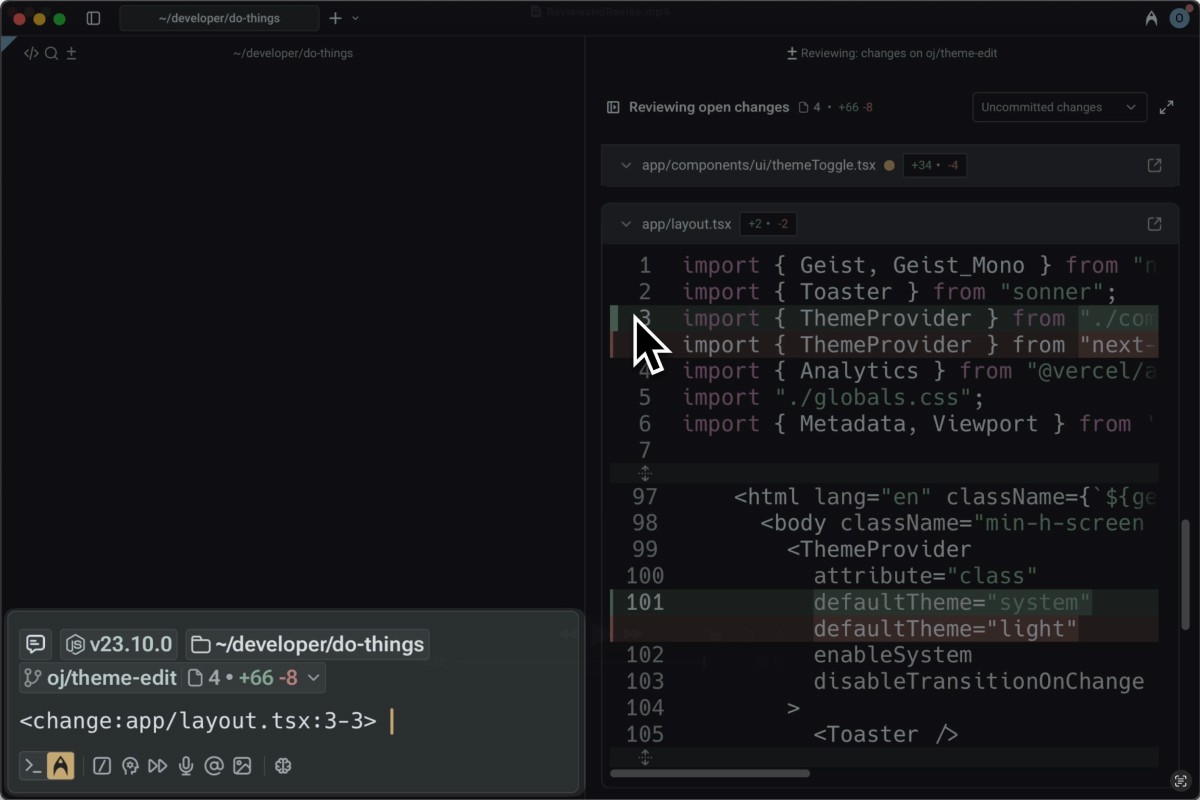
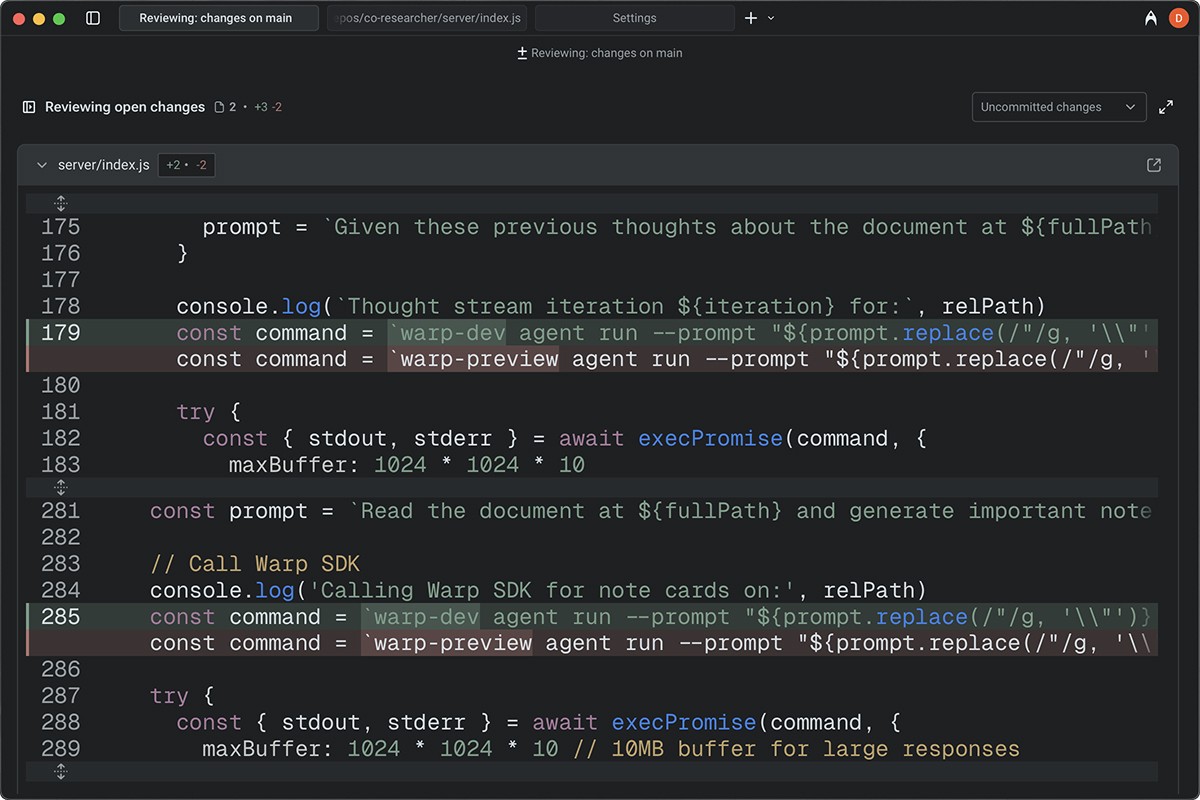
Code review
Review changes, navigate diffs, and approve agent-generated code with full context and transparency
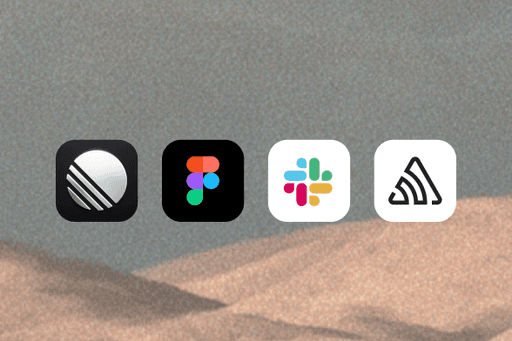
Access all your context through MCP
Use MCP to make external context available to Warp. Add MCP servers from services like Linear, Figma, Slack, and Sentry.
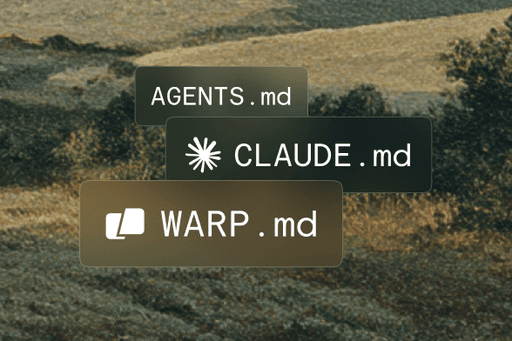
Control how Warp's agent behaves with industry standard MD files
WARP.md (compatible with agents.md, claude.md) lets you consolidate information to share with agents.

Turn minutes into seconds
“Things that would normally take me 10 minutes instead take just a few seconds to do with Warp, and that adds up to hours saved every day. That's why I'm a diehard Warp fan.”

Marco Casalaina
VP Products, Core AI and AI Futurist
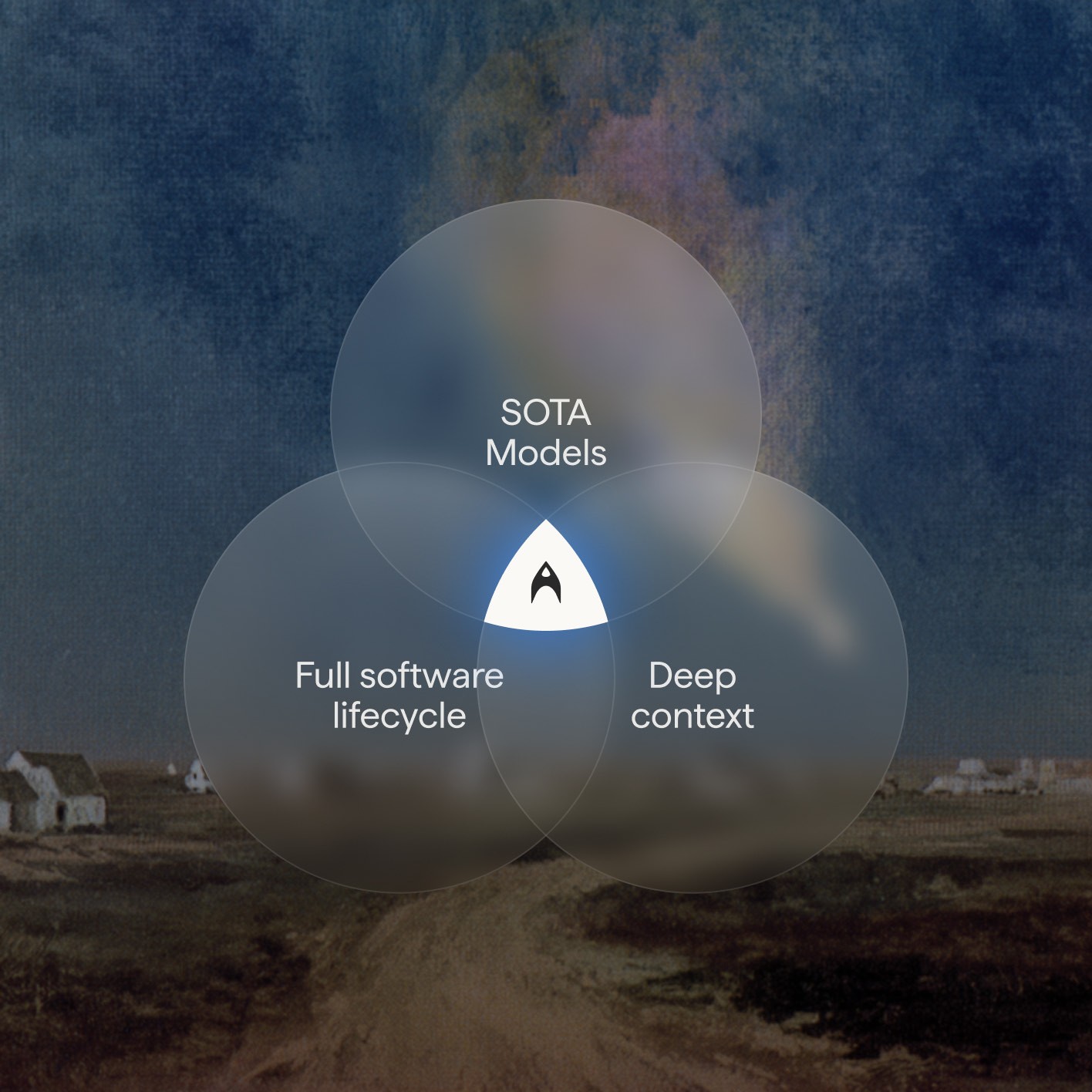
State Of The Art
Warp has everything you expect from
a modern agentic development tool

Private and Secure
Transparency and control at every
touchpoint.
Complete Control
Control exactly how much autonomy agents have, from approving every step to allowing full autonomy. Configurable at the individual and enterprise level.
Your data, secure and private
No training on your data by external model providers. Control over analytics and telemetry — one click disable. ZDR and BYO LLM available on enterprise plans.
Full transparency
You can read the list of high-level telemetry events that get sent for app analytics and monitor telemetry in real-time with our native Network Log.

Warp for Enterprise
The path to 10x developer
productivity.
Bring the power of Warp to your entire engineering organization. Streamline team onboarding, improve incident response, and encourage AI adoption — with advanced security and compliance to meet company requirements.
All Downloads
Get Warp today
Get early access to unreleased and experimental features with Warp Preview